Choosing a Website CMS in 2025: A Marketer’s Comparison of 6 Platforms
 임재복
임재복
Choosing a CMS is never just a technical decision for marketers. The right CMS shapes your SEO performance, determines how efficiently your team can produce content, and ultimately has a direct impact on marketing ROI. As of 2025, the CMS market is going through unprecedented change. AI-powered SEO tools have become the standard, technical factors like Core Web Vitals now carry more weight in search rankings, and the rise of headless CMS platforms has made multichannel marketing more important than ever.
So which CMS should marketers choose in this environment? In this guide, we’ll compare six major platforms from a practical, hands-on perspective: WordPress, Webflow, Drupal, HubSpot CMS Hub, Ghost, and Contentful.
Key factors marketers should weigh when choosing a website CMS
Why SEO performance determines marketing results
In 2025, SEO is no longer just about content. Technical factors — page load speed, mobile optimization, structured data markup — increasingly influence search rankings.
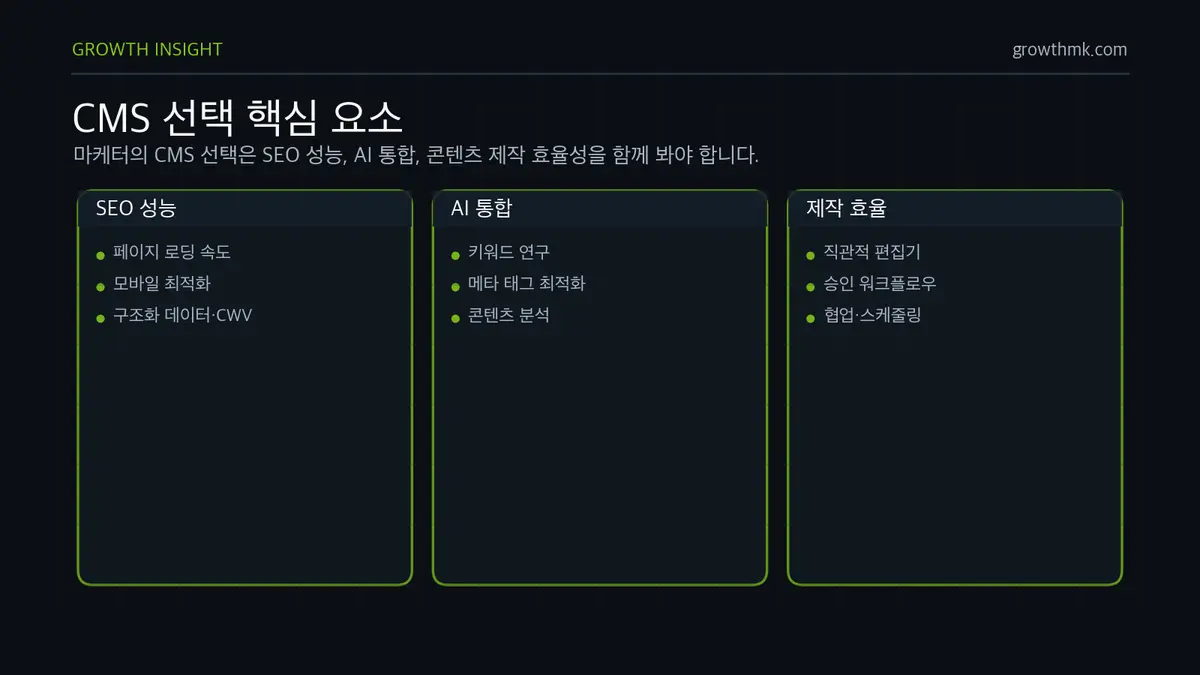
Core Web Vitals in particular have become a must-consider factor. Google factors Core Web Vitals (Largest Contentful Paint, Interaction to Next Paint, Cumulative Layout Shift) into search rankings as part of page experience. That means a CMS’s technical performance is directly tied to your marketing results.
How AI integration boosts marketing efficiency
AI-powered SEO tools have become a genuine game changer for marketing in 2025. They can automate keyword research, meta tag optimization, and content analysis — dramatically improving how efficiently marketers work.
But not every CMS supports AI tools equally. Some have them built in natively; others only offer them through plugins. That difference has a meaningful effect on day-to-day productivity.
Why content production efficiency drives team productivity
A marketing team’s productivity is heavily shaped by how easy its content tools are to use. Intuitive editors, streamlined workflows, and effective collaboration features all determine day-to-day efficiency.
When a clunky CMS slows down content production, a marketing team’s productivity drops fast. That’s why it’s worth carefully checking whether non-technical marketers can use it easily, whether the approval process is smooth, and whether content scheduling is convenient.
Why WordPress remains a strong choice for a website CMS
Overwhelming market dominance and ecosystem strength
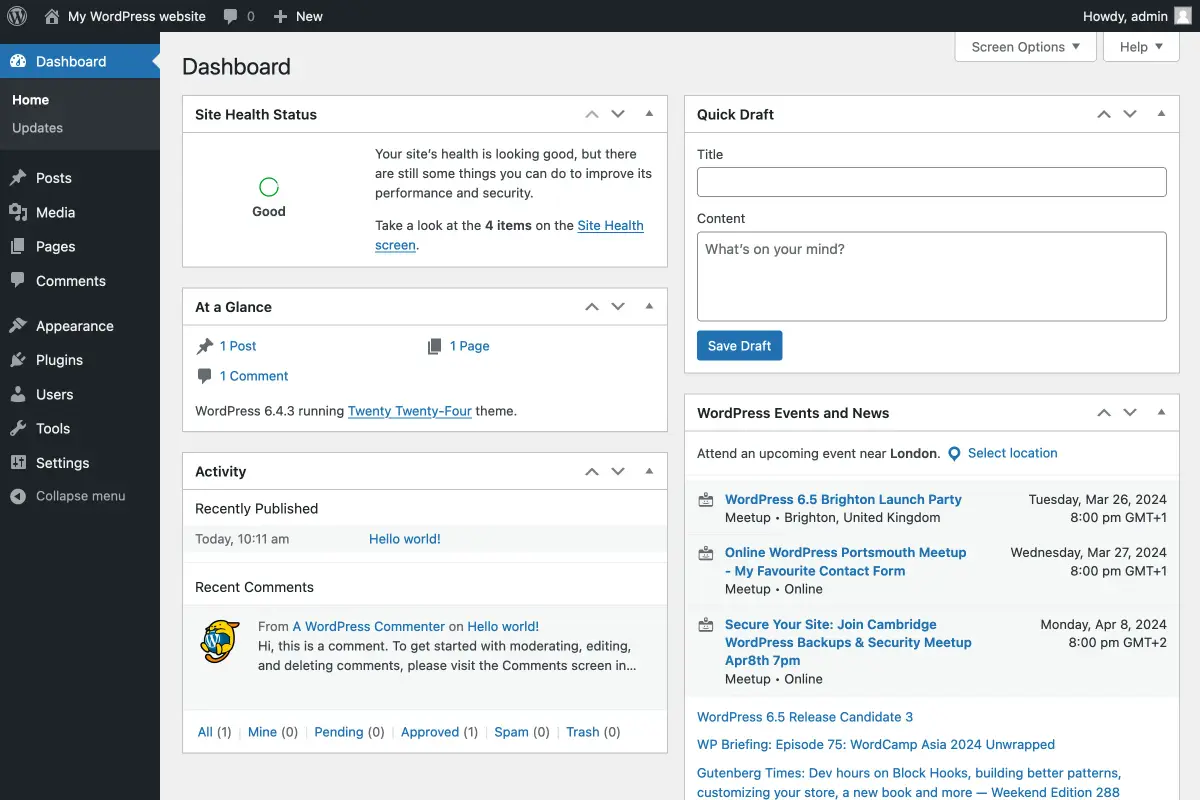
WordPress still dominates the market, powering more than 40% of all websites worldwide (about 41% by W3Techs). That kind of market share means more than just a big number.
Thanks to its massive user base, WordPress has the richest plugin ecosystem of any CMS. With over 50,000 plugins and thousands of themes, it can meet nearly any marketing need — from e-commerce to email marketing to social media integration.
The advantage of a mature SEO tooling ecosystem
One of WordPress’s biggest strengths is its mature SEO plugin ecosystem. Powerful tools like Yoast SEO, Rank Math, and All in One SEO are already highly developed.
As of 2025, these plugins offer AI-powered content analysis, automatic meta tag generation, and keyword research. Rank Math in particular packs surprisingly advanced features into its free tier, which is a big help for small and mid-sized business marketers.
Why cost efficiency appeals to startups
WordPress’s open-source nature means no upfront licensing cost, which makes it appealing to startups and small businesses. But it’s worth noting that “free” doesn’t mean the total cost is zero.
In practice, you’ll typically pay $5–15/month for hosting, $10–50/month for premium plugin subscriptions, and possibly additional development costs depending on your needs. Even so, it remains a considerably more economical choice than most enterprise CMS platforms.
Limitations to weigh before choosing WordPress
There are real drawbacks to consider before choosing WordPress. The biggest is maintenance complexity. You have to manage plugin updates, security, and hosting optimization yourself, which can pull your marketing team’s resources into troubleshooting technical issues.
Plugin bloat is also a real risk. Running too many plugins slows down your site and can cause conflicts between plugins — both of which directly hurt your SEO performance.
Why Webflow is ideal for design-driven website CMS needs
Design freedom that enables brand differentiation
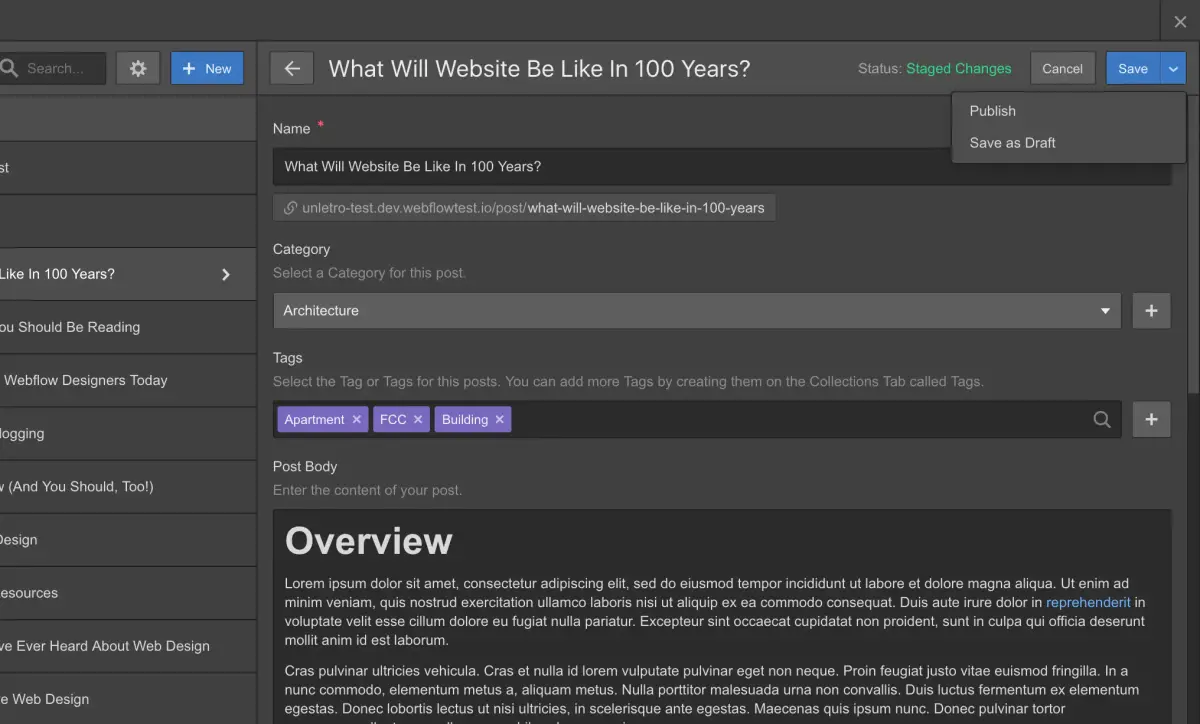
Webflow is an innovative platform that blurs the line between a traditional web builder and a CMS. It lets you build sophisticated designs and powerful functionality without writing code, which makes it popular with design-driven marketing teams.
For marketing where brand identity matters, Webflow’s design freedom is a major advantage. You’re not locked into templates — you can build a visual experience that sets you apart from competitors, which directly contributes to brand awareness.
How performance optimization benefits SEO
One of Webflow’s biggest strengths is performance optimization. As of 2025, Webflow has AI-powered SEO built in, including automatic meta tag generation, image SEO optimization, and mobile optimization out of the box.
Clean code generation and an AWS-based global CDN deliver excellent performance. Core Web Vitals scores are generally strong, which has a positive effect on SEO rankings — a sharp contrast to WordPress’s plugin bloat problem.
The management efficiency of an all-in-one solution
Webflow integrates design, development, hosting, and CMS into one platform, so marketing teams don’t have to juggle multiple tools. That integration significantly boosts operational efficiency.
In particular, you don’t need to worry about separate hosting management or security updates, which frees the marketing team to focus on content creation — a key advantage that solves WordPress’s maintenance complexity.
Challenges to expect when adopting Webflow
The biggest challenge with Webflow is its steep learning curve. It’s not just a simple drag-and-drop tool — you need to understand HTML/CSS concepts to really use it well, so training your marketing team takes time.
Cost is also worth considering. Monthly costs rise substantially once you use intermediate-or-higher features, and the burden can be significant for team-based usage. You can check exact pricing on the official Webflow pricing page, which separates site plans (including CMS features) from team plans.
Why HubSpot CMS Hub is ideal for integrated marketing operations
The value of a complete marketing ecosystem
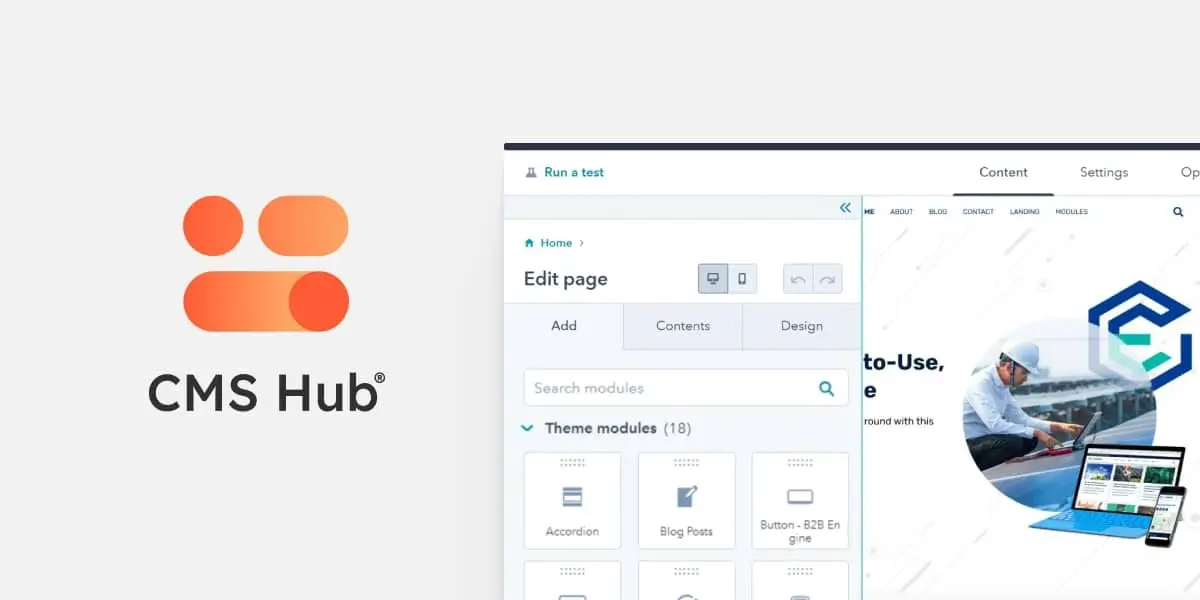
HubSpot CMS Hub isn’t just a CMS. It’s part of an all-in-one platform that integrates CRM, marketing automation, and sales management — supporting a marketer’s entire workflow.
From visitor tracking to lead nurturing to conversion, the entire process is managed on a single platform. That’s a major advantage for measuring marketing ROI with real precision. Work that requires stitching together multiple tools on other CMS platforms comes built in on HubSpot.
The productivity gains of a marketer-friendly interface
HubSpot CMS Hub’s biggest strength is its marketer-friendly interface. You can create content, build landing pages, and run A/B tests easily without technical knowledge.
As of 2025, HubSpot offers an AI content assistant that helps with blog topic suggestions, headline generation, and content optimization — significantly improving a marketing team’s content production efficiency.
Analytics that enable data-driven decisions
HubSpot’s robust analytics and reporting features enable data-driven marketing decisions. You can analyze content performance, traffic sources, and the customer journey in detail, which is a major help for strategy development.
Lead scoring, customer behavior analysis, and campaign performance measurement all happen in real time, enabling quick strategy adjustments. This simplifies a process that requires connecting separate analytics tools on other CMS platforms.
Costs and constraints to weigh with HubSpot
HubSpot CMS Hub’s biggest drawback is its high cost. Pricing rises sharply as your contact count grows. The Starter plan starts at $20/month, but serious marketing functionality requires the Professional plan ($500/month) or Enterprise plan ($1,500/month). (Pricing is subject to change — check the official page for current rates.)
Platform lock-in is another factor to weigh. Once you’re deeply integrated into the HubSpot ecosystem, migrating to another tool becomes difficult — an important consideration for long-term strategy.
A CMS guide for specialized use cases
Ghost as a content-marketing-focused solution
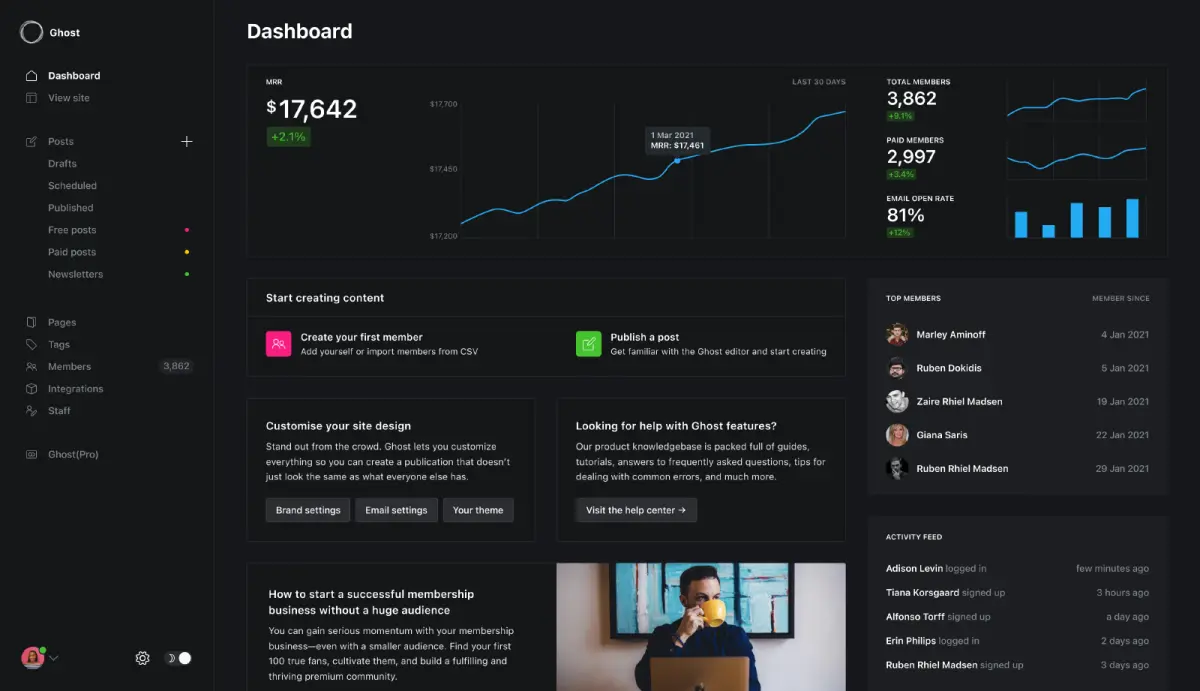
Ghost is a modern CMS purpose-built for content creation and publishing. Its market share is small, but it’s rapidly gaining popularity among content marketers.
Ghost’s biggest advantage is best-in-class performance. Its lightweight architecture delivers very fast load times, and Core Web Vitals scores are generally excellent. It also strips away unnecessary features to offer a clean interface focused purely on writing.
It also comes with built-in subscriptions, memberships, and newsletters — the tools you need to monetize content marketing — so you can build a complete content business model without extra plugins or third-party tools.
Drupal for enterprise-grade security and scalability
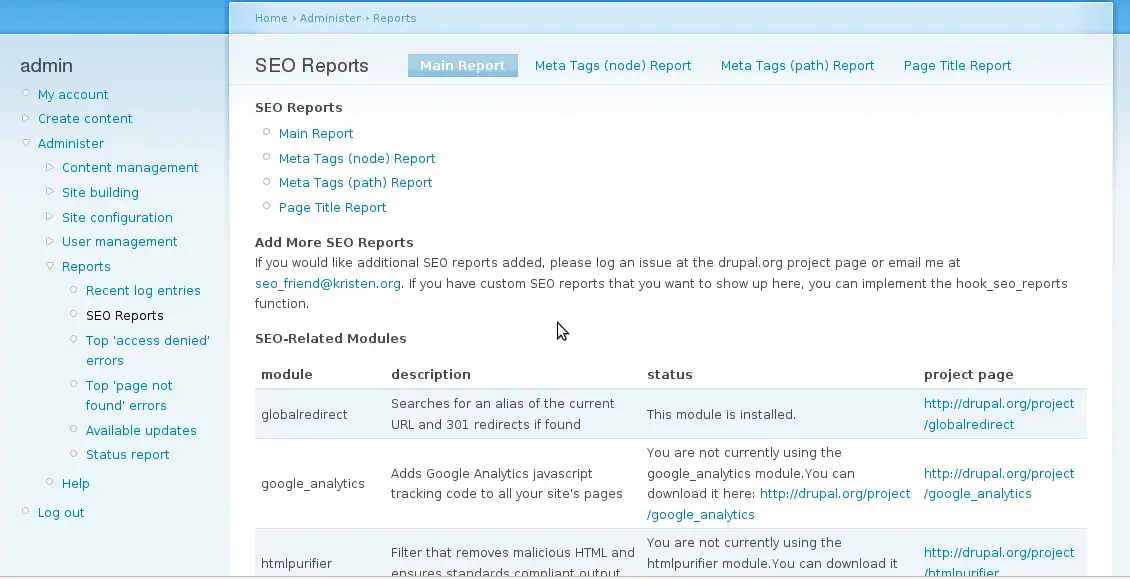
Drupal is an enterprise-grade CMS mainly used by large organizations with complex digital ecosystems. Its high security and scalability have made it a widely adopted choice for government agencies, universities, and large enterprises.
Drupal’s powerful content management capabilities let you systematically manage complex content structures and large volumes of content. Multilingual support for global marketing also comes built in.
But Drupal’s biggest drawback is its high technical barrier to entry. It’s too complex for marketing teams to run on their own — dedicated developers or technical support are essential. Initial build costs can also run from $50,000 to $500,000, a burden for small and mid-sized businesses.
Contentful’s headless architecture for multichannel marketing
Contentful is a leading headless CMS, offering a modern architecture that fully separates content management from content display. It’s getting increased attention in 2025 as omnichannel marketing becomes more important.
Contentful’s biggest advantage is multichannel content distribution. A single piece of content can be published simultaneously across your website, mobile apps, IoT devices, social media, and more — extremely useful for large enterprises running global marketing.
But Contentful’s headless nature means a high technical barrier. It requires front-end development expertise, and SEO setup requires separate development work. The cost of advanced features is also worth factoring in.
A practical guide to choosing the right website CMS
The best CMS for your budget
If your budget is under $700/month, WordPress or Ghost is your best bet as a startup or small business. WordPress lets you get started with free software plus basic hosting costs, and Ghost can start with self-hosting or a basic managed plan.
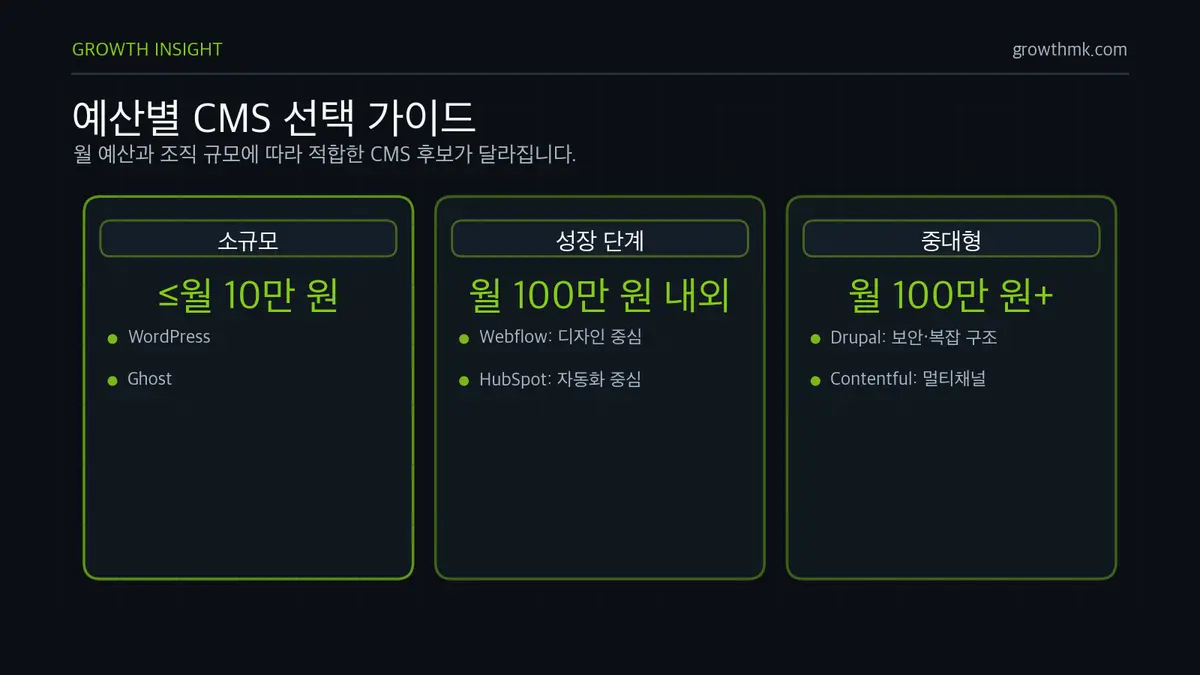
For growth-stage companies with a budget of around $7,000/month, Webflow or HubSpot CMS Hub is worth considering. If design-driven marketing is a priority, Webflow fits; if marketing automation is the priority, HubSpot fits.
For mid-to-large enterprises with budgets above $7,000/month, Drupal or Contentful is worth evaluating. Choose Drupal if you need complex content structures and high security, and Contentful if multichannel marketing and scalability matter most.
CMS selection strategy by marketing goal
If boosting brand awareness is your primary goal, Webflow is the best fit. It enables distinctive design for brand differentiation and delivers fast performance that maximizes the user experience.
If lead generation and conversion optimization matter most, HubSpot CMS Hub is the strongest fit. Integrated CRM makes lead tracking easy, and marketing automation enables efficient lead nurturing.
If you want to specialize in content marketing, Ghost is the top choice. An optimized writing environment plus built-in newsletter and subscription features let you build a complete content business model.
Choosing a CMS that fits your team’s skill set
Non-technical marketing teams should consider HubSpot CMS Hub, Ghost, and WordPress, in that order — prioritizing a user-friendly interface and minimizing technical complexity is key.
Teams with design skills should look at Webflow or WordPress, using visual design tools to maximize brand differentiation.
Teams with technical support available should consider Drupal, Contentful, and WordPress, in that order — these offer high flexibility, performance optimization, and complex feature implementation.
Wrapping up
Choosing a CMS is a decision that can make or break your marketing strategy. There’s no perfect CMS — what matters is choosing the tool that best fits your team’s skill set, budget, and marketing goals.
Use the analysis in this guide to choose the CMS that fits your situation. Then get the most out of it to maximize your marketing results.
The marketing landscape keeps changing. How flexibly your chosen CMS can adapt to future change is also an important factor to weigh. Keep learning and adapting to achieve the best possible marketing outcomes.
Related reading
- Recycling old content to strengthen SEO
- SEO-friendly CMS recommendations: a guide to choosing the best content management system for SEO
- Why SEO experts are hard to find in Korea
- SEO trends driven by shifts in South Korea’s search engine landscape
- A checklist for choosing an SEO agency
If you want to apply this to your own business — you can see Growth’s approach on our SEO services page, and if you need a concrete diagnosis of your situation, reach out via Contact us. We answer based on the one customer who becomes revenue, not on traffic volume.
You can see the full picture of this topic in “The Complete Guide to SEO Content Writing — From Search Intent Analysis to Publishing and Updates.”
Frequently Asked Questions (FAQ)
What’s the safest CMS choice for marketers?
The right answer depends on your team’s skills, budget, and goals, but for non-technical marketers looking to get started quickly, WordPress (rich ecosystem) and HubSpot CMS Hub (marketing integration) are solid choices, and Ghost is a strong fit if you’re focused on content. If design differentiation matters, Webflow has the edge. There’s no perfect CMS — the key is picking the tool that fits your situation best.
Does the CMS really affect SEO performance?
Yes. In 2025, SEO depends not just on content but on technical factors like page load speed, mobile optimization, and structured data, which significantly influence search rankings. Google factors Core Web Vitals into rankings as part of page experience, so a CMS’s technical performance translates directly into marketing results.
WordPress is free — does it really cost nothing?
The WordPress software itself is open source with no licensing fee, but the total cost isn’t zero. You’ll typically face hosting costs (around $5–15/month), premium plugin subscriptions, and possibly development or maintenance costs depending on your needs. Even so, it remains an economical choice compared to enterprise CMS platforms.
When does a headless CMS make sense?
It’s suited to multichannel or omnichannel marketing, where a single piece of content needs to be distributed simultaneously across a website, mobile app, IoT devices, and more. Contentful is a leading example. However, because it separates content management from display, it requires front-end development expertise and separate SEO configuration work, so it’s best suited to teams with technical support available.